Get the tracklist for any YouTube DJ set
Paste the video URL and audio fingerprinting names every track in the set, with a timestamp on each one.
You'll see the length and the price in hours before you pay.
Finding tracklists for YouTube DJ sets
Last updated
YouTube holds more DJ sets than any other platform: Boiler Room and Cercle broadcasts, festival main stages, label showcases, and ten-year-old uploads that never came with a tracklist. The comment section under almost every one of them looks the same. Someone asks for the ID at 34:20, someone else asks again a month later, and the question is still open years on.
setlist.id answers all of those at once. It pulls the complete audio from the video you paste, cuts it into overlapping segments, and identifies each segment with our own recognition algorithm, which draws on partners including ACRCloud and Shazam. The result is the full setlist in play order, each track stamped with the exact moment it appears in the video, with links to YouTube, Spotify, Deezer, and Beatport on every identified track.
Length is not a problem. A six-hour festival archive stitched into one continuous video processes the same way a one-hour mix does, from the first track to the last, and typically completes in about five minutes per hour of audio.
Finished tracklists from this site are public: read every set identified so far, or start from the genre or the DJ or channel you came looking for.
How to get a tracklist from YouTube
- 1
Copy the YouTube URL
Open the YouTube DJ mix you want to identify and copy the URL from your browser address bar.
- 2
Paste it into setlist.id
Paste the YouTube URL into the input field. Sign in or create an account to get started.
- 3
Confirm and process
Review the mix length and the price in hours, then confirm. Audio fingerprinting analyzes every segment of the recording.
- 4
Get the full tracklist
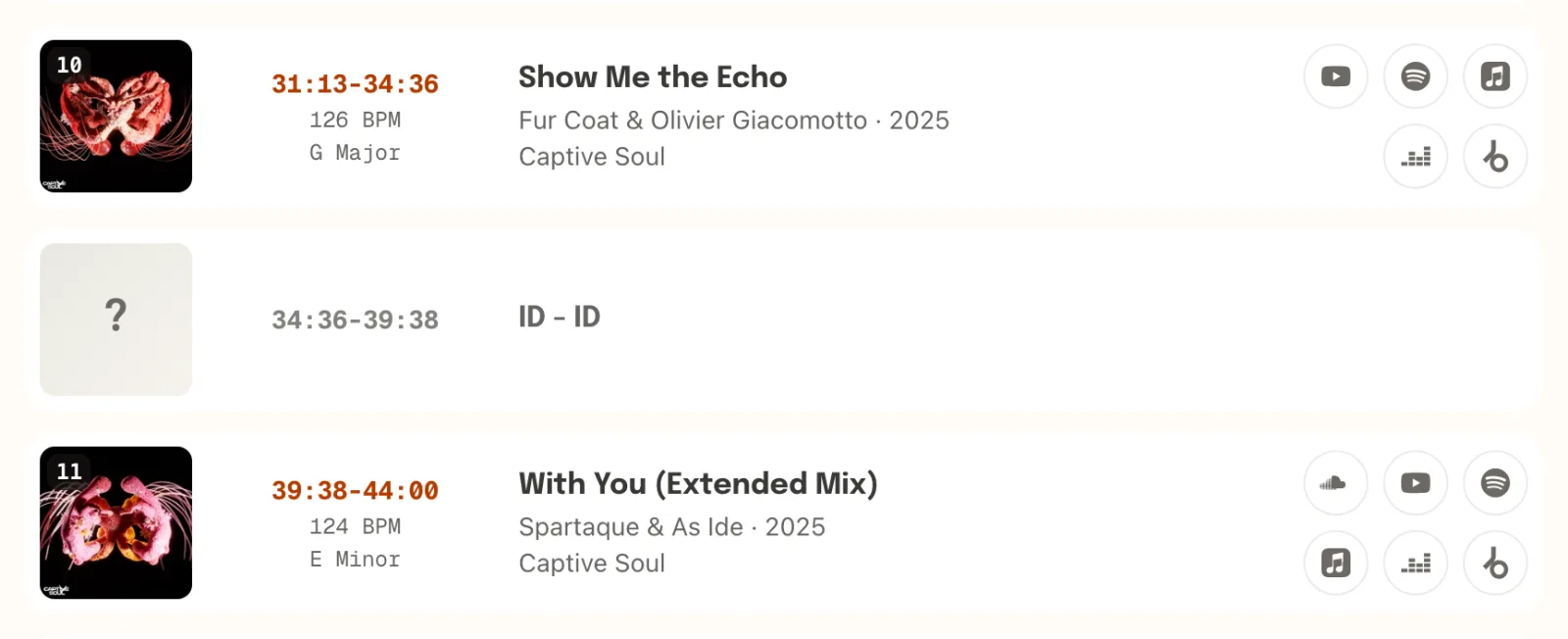
Every identified track comes back in play order with its timestamp, plus YouTube, Spotify, Deezer, and Beatport links. Copy it, download it as text, or export it as a playlist.
Step 4 is real output: the first rows setlist.id returned for a real YouTube set, as they came back.
Fred again.. | Boiler Room: London · identified by setlist.id
 0:01HomicideConnor James
 2:34Kammy (like i do)Fred again..
 7:20Danielle (smile on my face)Fred again..
 10:01Tanya (maybe life)Fred again..
Built for full DJ mixes and live sets
Shazam listens to a few seconds of audio and names one song, which fails on a YouTube DJ mix where tracks are blended, layered, and EQ'd across the whole recording. setlist.id processes the complete audio instead, so every identifiable track is caught no matter where in the mix it plays. The full comparison is on the Shazam for DJ mixes page.
The same pipeline reads links from more than 100 platforms, so if the mix also exists on YouTube, SoundCloud, or anywhere else, any copy of it produces the same tracklist. And when a section stays unidentified, the timestamps show where the mystery track lives.
Frequently asked questions
Can I get a tracklist from a YouTube livestream?
Yes, once the stream has ended and YouTube has finalized the recording as a normal video. Paste the video URL and the full broadcast is processed end to end. A stream that is still live cannot be processed until the archive is available.
Does it work on multi-hour festival streams?
Yes. A three-hour stream costs three hours and processes in roughly fifteen minutes, and multi-hour streams stitched into a single video are handled as one continuous recording.
Can I put the tracklist in my YouTube description?
Yes. The export menu includes a YouTube format with one line per track, timestamp first, which YouTube turns into clickable chapters when pasted into a description. See the tracklist for YouTube description guide for the details.
How accurate is the identification?
Commercially released tracks identify reliably, and our own algorithm is built to find deep underground tracks as well. No recognition tool can name unreleased music, so unreleased edits and dubs show up as timestamped gaps, and a set that fails to identify refunds automatically.
What information comes back with each track?
Every identified track includes its timestamp in the recording, artist and title, album and label where available, BPM and key, and links to YouTube, Spotify, Deezer, and Beatport. The full tracklist can be copied, downloaded as a text file, or exported as a playlist.
Is setlist.id free to use?
setlist.id is priced by the hour of audio: 1 hour of identification time covers 1 hour of mix, with a 15-minute minimum. Bundles start at 5 hours for $6, the hours never expire, and anything that cannot be identified is refunded automatically.
Identify your YouTube mix
Paste the link and get the full tracklist, start to finish.