What is a track ID? IDs in DJ tracklists explained
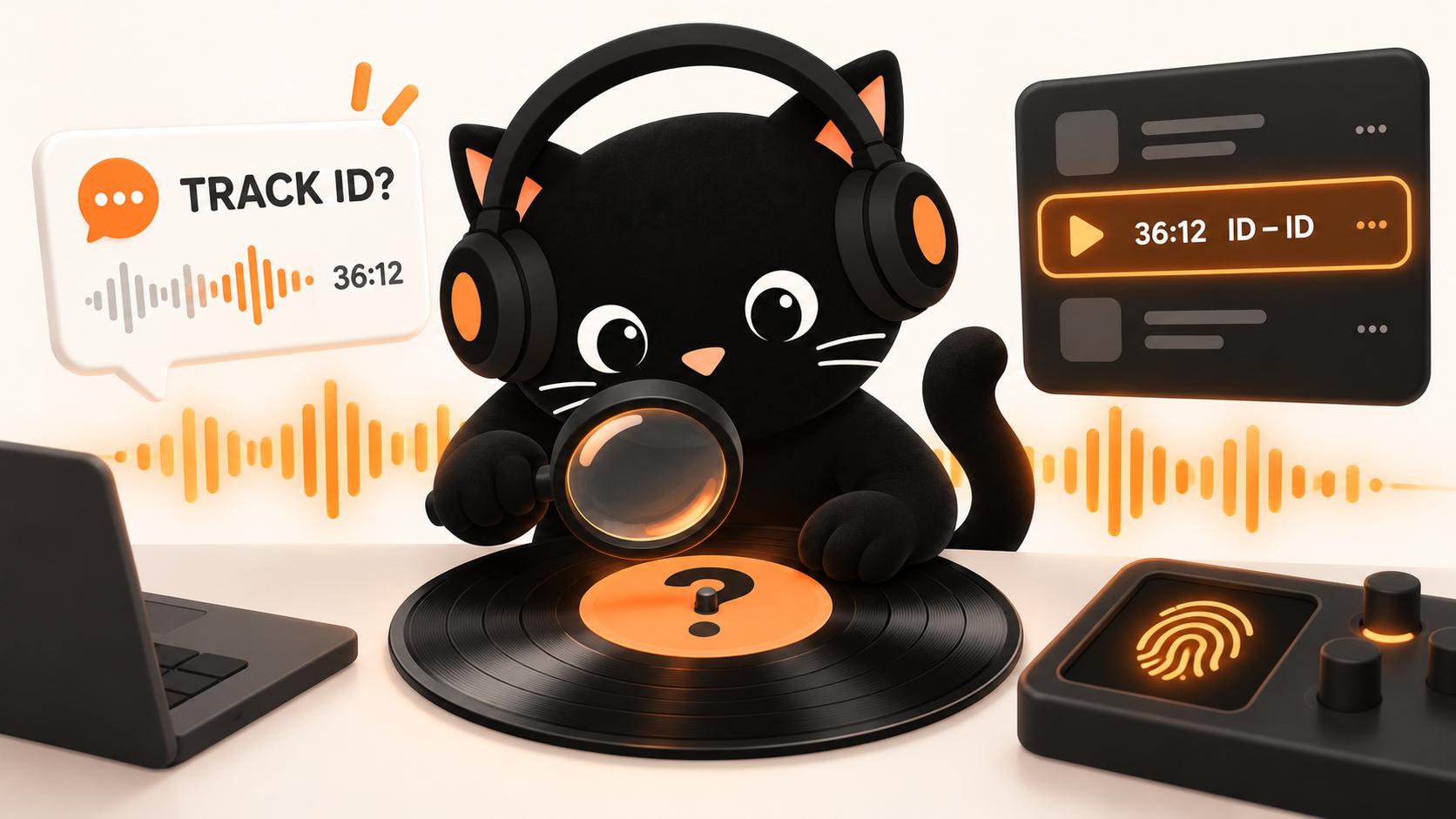
A track ID is either a request for a song's name ("Track ID at 36:12?") or a placeholder in a tracklist. ID - ID means neither the artist nor the title has been confirmed; Artist - ID means only the title is missing. It doesn't mean the track is unreleased, only that whoever published the list couldn't confirm or reveal that detail.
The two meanings of track ID
A request: a comment like "Track ID at 36:12?" asks someone to name the artist, title, remix or edit playing at that moment.
A placeholder: ID - ID in a tracklist means the person or system that published it couldn't confirm the artist and title, or chose to withhold them.
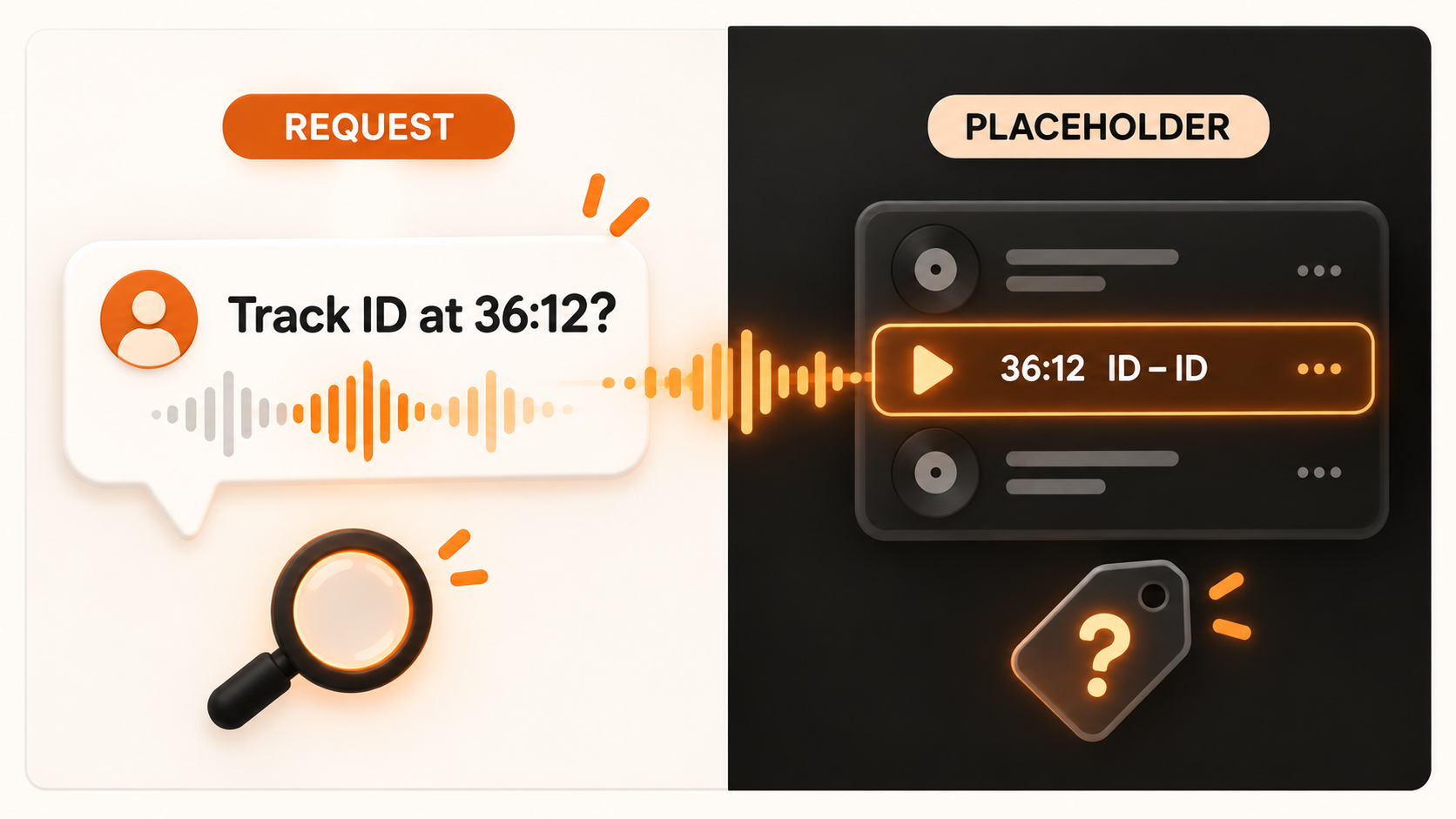
Tracklists are often written by a fan, a festival channel, a database editor or a recognition tool, not the DJ, so an ID doesn't mean the DJ forgot what was on the USB.
How to read tracklist notation
Tracklists put the artist first and the title second. ID fills whichever position is missing.
Tracklist entry | What it means |
|---|---|
ID - ID | Neither the artist nor the title has been confirmed. |
Artist - ID | The artist is known, but the title is unknown or undisclosed. |
ID - Track Title | The title is known, but the artist is not. |
Artist - Track (ID Remix) | The original track is known, but the remixer has not been confirmed. |
? - ? | Another way to mark missing information. |
Artist - Untitled (A1) [Label, catalog number] | The record may be identifiable even without a track title. |
Some databases write Unknown or ??? instead.
What "ID Remix" means
The original track is identified and only the remixer is missing, so search for the original and its remixes.
Does ID mean unreleased?
No. ID says nothing about release status. A 2025 study examined 4,902 DJ mixes containing 56,873 track links. Only 342 mixes, or 7%, had every track identified, so gaps are normal even in well-documented mixes.
![Grid comparing identification and availability: ID - ID can be released or unreleased; known tracks include Artist - Untitled (A1) and Artist - Track Title [Unreleased]](https://img.skylightstudio.co/setlist/2026/e634b015-47ef-4fe1-8203-dfd88c663c61.png)
Identification (do we know what it is?) and availability (can the public get the release?) are separate. Artist - Track Title [Unreleased] is fully identified; you just can't buy or stream it yet. An untitled vinyl track can be traced through its artist, label, catalog number and side. And a released record can still be an ID in a fan-written tracklist.
Why tracks show up as IDs
Either nobody building the list knows, or someone who knows isn't sharing yet:
A fan or uploader didn't recognize a record that is already released.
The producer is still changing the title, mix or arrangement.
It's a DJ edit, bootleg, mashup, dubplate or VIP that may never be released.
Crowd noise, pitch changes, effects or two overlapping tracks prevent a clean match.
A label embargo or private agreement keeps the artist or title off the list.
Why DJs keep some IDs private
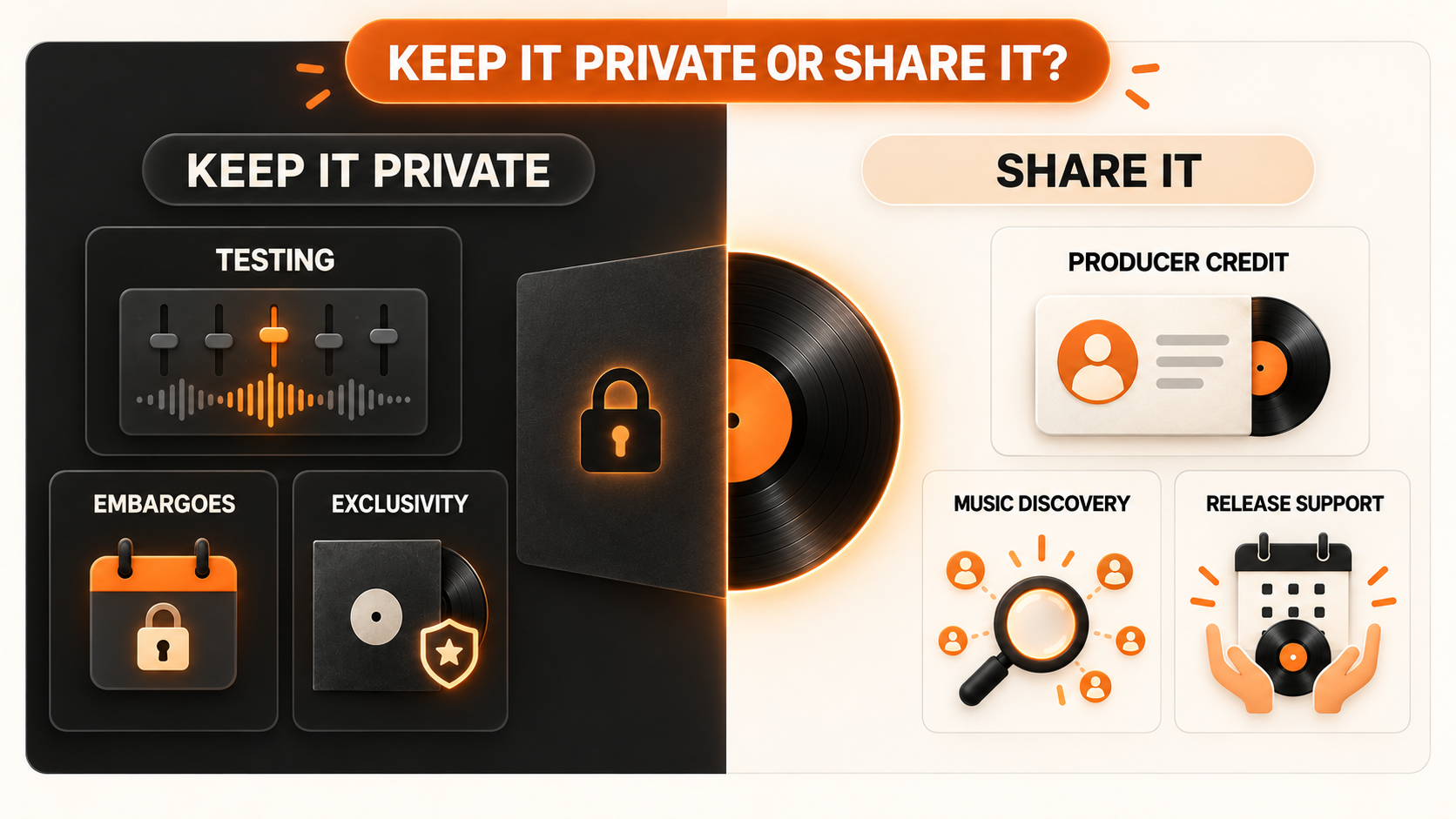
A producer may test an early version with a few DJs and change the arrangement or title after hearing it on a club system. A label may have an announcement date an early name would spoil. Private edits and dubplates give a set something other DJs can't copy.
The cost: a hidden ID can't send listeners to the producer or label, which hurts most when a smaller artist made the record. Once the track is out, adding the artist and title credits the producer.
Why recognition apps miss some IDs
Recognition software compares the audio against reference fingerprints in its database. If the right reference is missing or the recording is too messy, it has nothing reliable to return.
What is playing | What may happen |
|---|---|
Clean released recording | A strong match is possible when its reference exists. |
Private or unreleased version | No match appears if the reference is absent. |
Two overlapping tracks | One track may match, or both may fail. |
Heavy pitch or tempo change | The altered fingerprint becomes harder to match. |
Crowd noise or a short clip | There may not be enough clear audio. |
Custom remix or DJ edit | The original may match, while the exact version stays unknown. |
No result doesn't prove a track is unreleased. It could be an older release missing from that database, a private edit or a busy transition.
Finding an ID inside a full mix
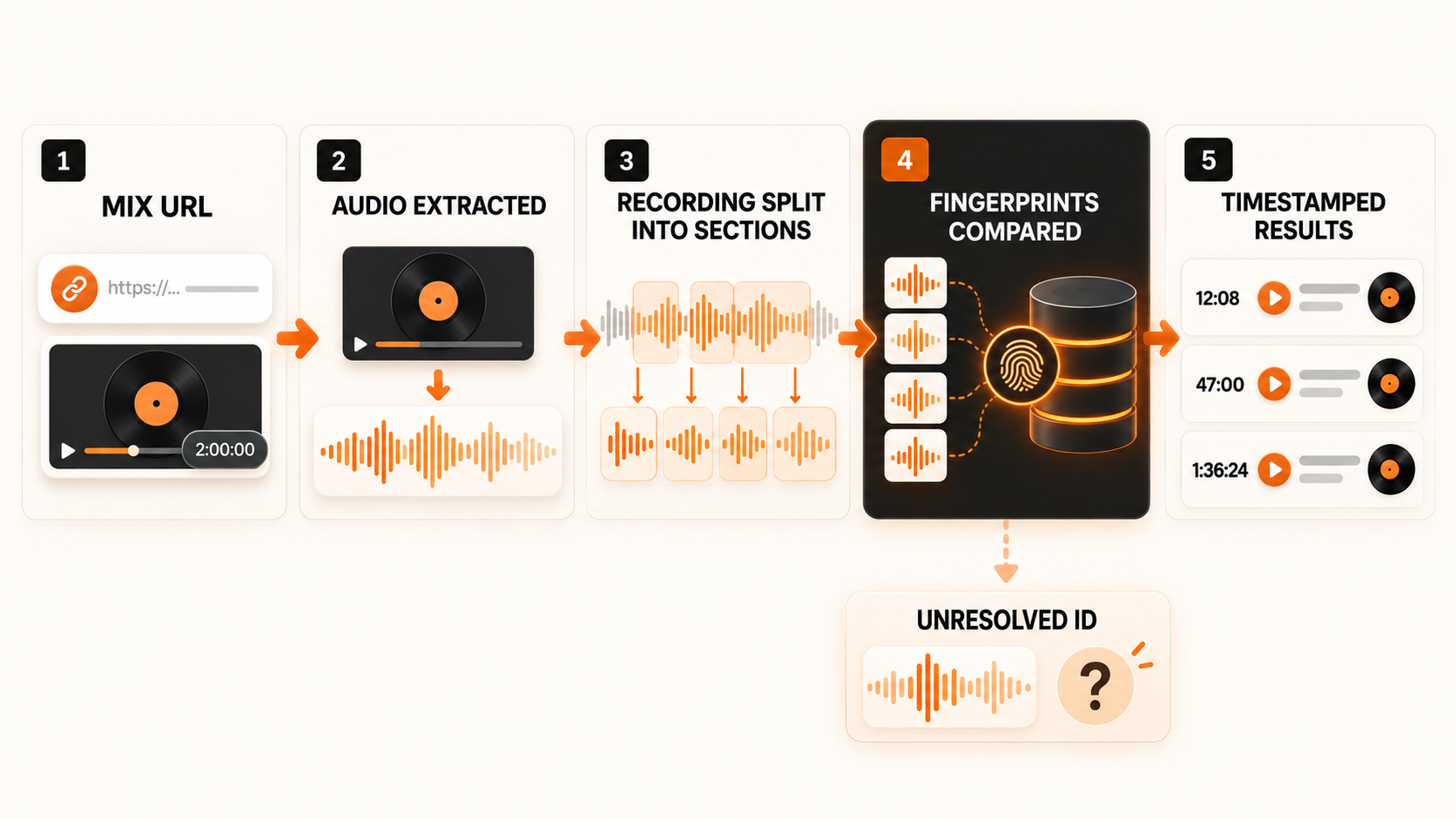
For a track 47 minutes into a two-hour mix, paste the full YouTube, SoundCloud, Mixcloud or Instagram link into Setlist.ID without cutting a clip first. It analyzes the whole recording in overlapping sections and returns matches in playing order with timestamps and listening links. Jump to each timestamp to check it, especially where an edit sounds close to the original. Sections with no match show as gaps; no artist or title is invented.
What to try when there's no match
Check the upload's description, tags and timestamped comments first. Then:
Replay a cleaner passage where only one track is playing.
Search the DJ's name, set date and timestamp in published tracklists.
Check recent releases from any artist or label you suspect.
Ask the community with the mix link and exact timestamp.
If nobody knows, save the timestamp and check back after release. For more methods, see how to find songs in a DJ set.
FAQ
What does ID - ID mean in a tracklist?
Neither the artist nor the title has been confirmed. Artist - ID means the artist is known but the title isn't, and ID - Track Title means the reverse.
Does ID mean a track is unreleased?
No. ID only means whoever published the tracklist couldn't confirm or reveal part of the track's identity. A released record can be an ID in a fan-written list, and an unreleased record can be fully identified.
What does ID Remix mean?
The original track is known, but the remixer hasn't been confirmed. Search for the original and its remixes rather than treating it as a completely unknown record.
Why can't recognition apps identify every track ID?
They compare the audio against reference fingerprints in a database. If the reference is missing, or two tracks overlap, the pitch is changed or crowd noise covers the audio, there is nothing reliable to match.
How do I ask for a track ID?
Post the mix link with the exact timestamp, for example "What plays at 42:18 in this set?" A bare "track ID?" gives people very little to work with.
To get timestamps for every identifiable track in a mix, paste its link into Setlist.ID.